User manual
Less Limiter
A brickwall limiter with a true peak ceiling, measured between samples.
macOS: AU and VST3, Apple silicon · Windows: VST3, 64 bit
mixlessaudio.com ·
[email protected]Overview
Less Limiter is a brickwall limiter measured in true peak. Set the ceiling to -1 dBTP and the output stays under it. The measurement is BS.1770 true peak, which is what lossy encoders overshoot on, so it leaves them headroom. The gain computer runs release, sliding maximum and smoothing in an order chosen so the ceiling holds.
Installation
Run the installer for your platform. On macOS the AU
and VST3 versions install for all users; on Windows the VST3 installs
under Common Files. Factory presets install into your user preset
folder and are never overwritten: presets you save land in the same
folder and stay yours.
| macOS presets |
~/Library/Application Support/MixLess/Presets/Less Limiter |
| Windows presets |
%APPDATA%\MixLess\Presets\Less Limiter |
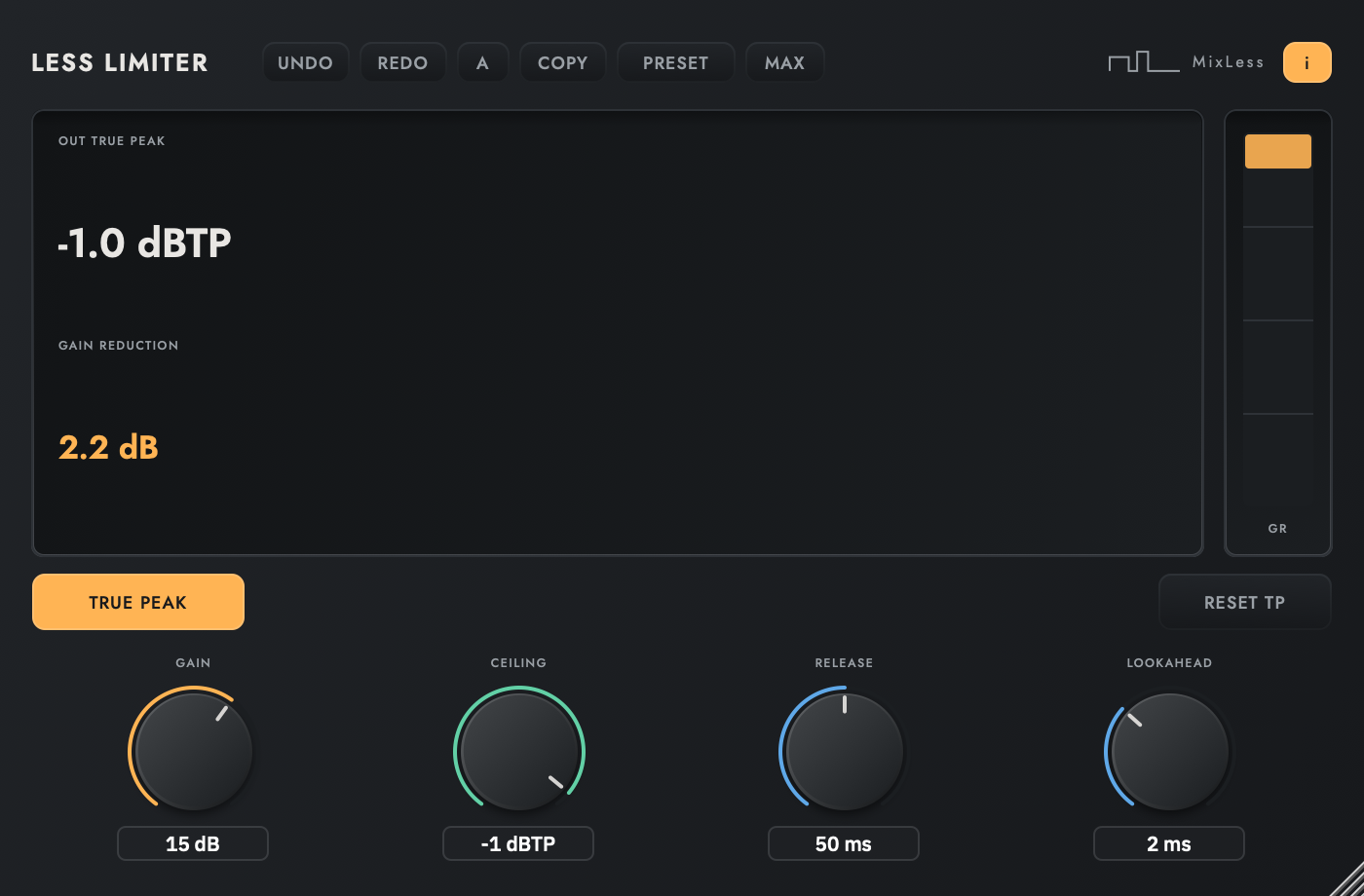
The interface
Press I in the plugin to
toggle the same control descriptions as cursor tooltips.
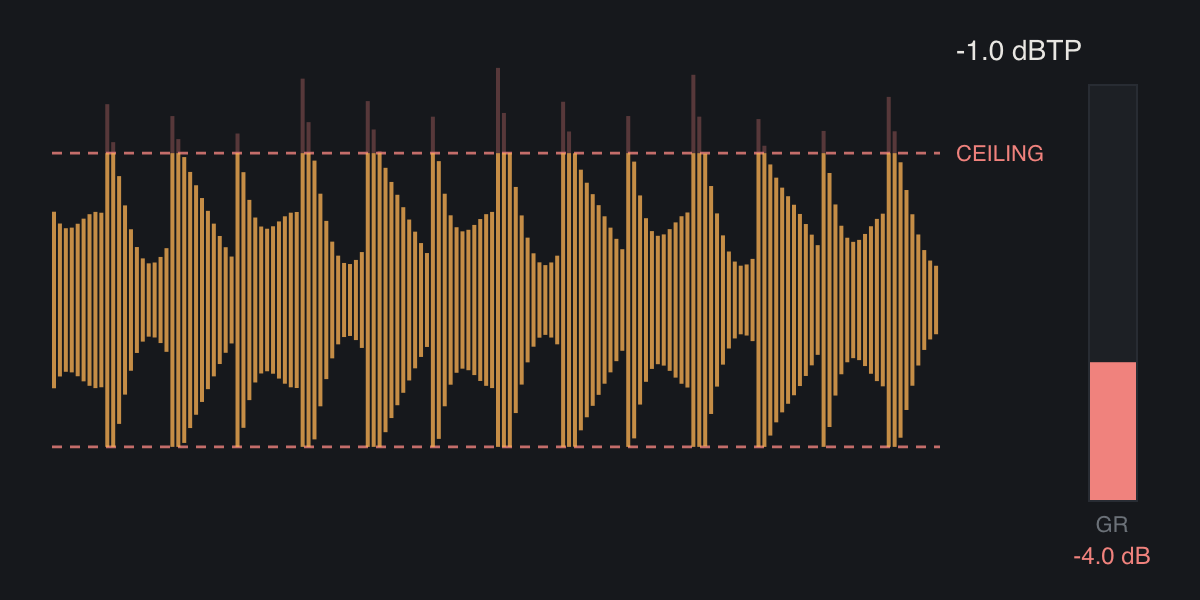
The screen while it works
Two moments from the simplified display on the how-to page: at rest, and with material running through it. Print cannot move, so these are frames of that animation.
Workflows
Set a streaming-safe ceiling
Set Ceiling to -1 dBTP with True Peak on. Raise Gain until the loudness sits where you want it; the true peak ceiling holds at the plugin output.
Catch peaks transparently
Use the Transparent Catch preset. With the ceiling just below the peaks, only the loudest moments are touched; everything else passes unchanged, and a test asserts that on every build.
Push loudness deliberately
Raise Gain past the ceiling and listen as density grows. The release control trades punch against loudness; the meter shows exactly how much reduction you are buying.
Tips
The ceiling is a guarantee: output true peak never exceeds it in test.
True Peak mode measures inter-sample peaks per BS.1770, the same measure lossy encoders overshoot on.
Below the ceiling the limiter is a straight wire.
Specifications
| Formats | AU, VST3 |
| Lookahead | 2 ms, 96 samples at 48 kHz, reported |
| Detection | true peak per BS.1770, switchable |
| Factory presets | 4 |
Support
Questions and problems: [email protected].
Legal notices, the privacy notice and third-party licences:
mixlessaudio.com.