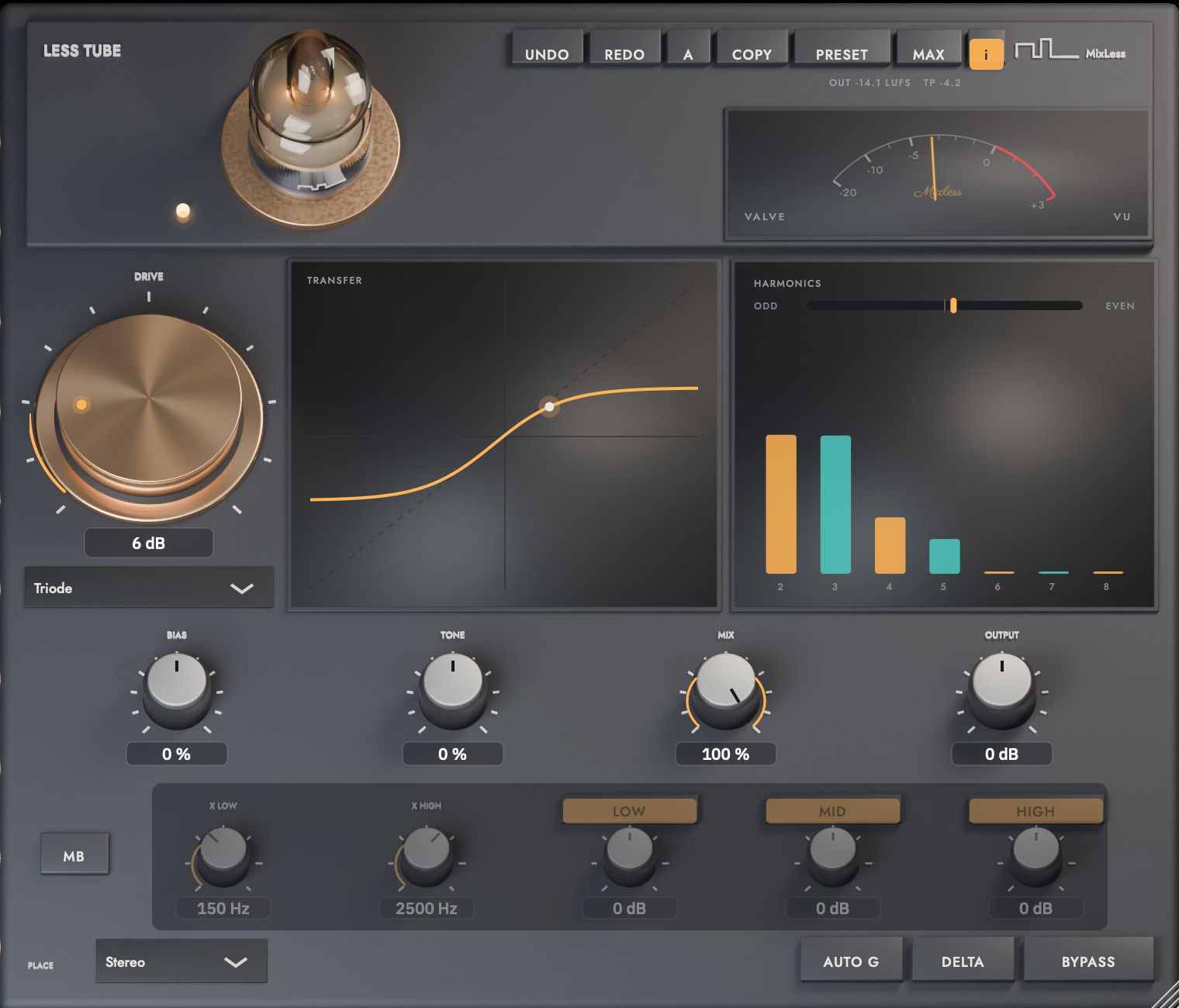
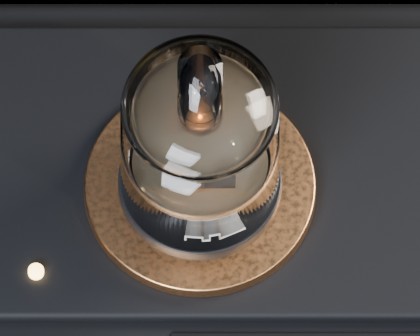
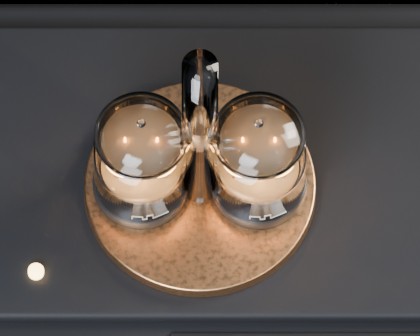
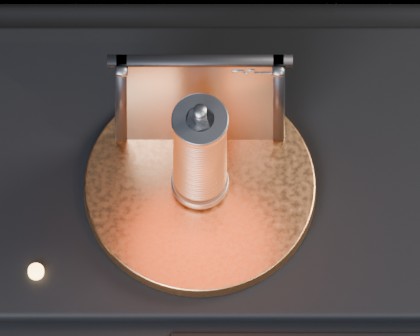
Less Tube is a saturation plugin built as an instrument you can read. The model you pick sits in the socket, the meter reads how hard it is driven, and the curve and the harmonic bars show what it does to the music while it plays.
In field testing, not on sale yet. AU and VST3 on macOS with Apple silicon. VST3 on Windows.
The glass and the transformer share a socket. Pick a model and the harmonic profile, the knee and the tone shaping follow it.
Bias shifts the operating point, so the second harmonic leads. The signal thickens noticeably before it ever sounds distorted. Try it on a vocal or a mix bus, then compare it with the dry signal.
Drive
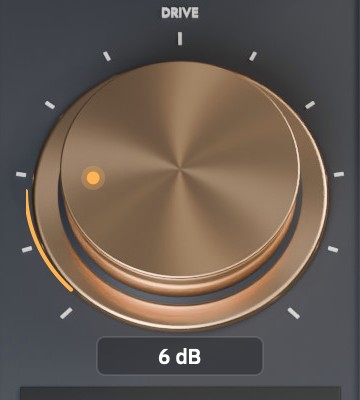
Drive sets how hard the stage is hit
Output is compensated as you turn, so you audition character, not loudness.
Drive38%
Drive38%warming
Readouts
Explore the model's response
The transfer curve is the live input to output shape. Asymmetry there is what makes even harmonics. The bars measure harmonics 2 through 8 against the fundamental, amber for even, teal for odd.
VALVE
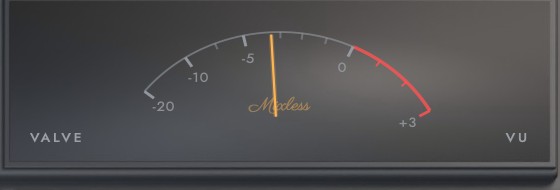
The needle reads the drive into the valve
The VALVE meter shows the level driving the stage, rather than the output level. Zero VU is where the curve starts to bend, so you can see where you are on the character before you hear it.
Three bands
Set the drive separately for lows, mids and highs
Multiband is a switch and it starts off. Turn it on and two crossovers split the signal at X LOW and X HIGH, then each region gets its own drive in dB, so a kick can hit the stage hard while the hats stay clean. Latency is the same on every path.
After the stage
Bias, tone, mix, output
Bias shifts the operating point and with it the even to odd balance. Tone chooses where the stage saturates: negative drives the lows into the curve, positive the highs, and the output is not tilted. Mix blends the dry signal back in, output trims the result. Place runs the whole thing stereo, mid side or dual mono, each channel on its own valve.
Listen and compare
Hear the character change
EXPLORE THE BROWSER MODEL
Triode132 BPM loop, stopped
Drive38%warming
Turn Drive and watch the model respond. This is an interactive browser demonstration; the display illustrates the model, not a live analysis of the loop. Listen to the recordings below to hear Less Tube itself.
TRANSFER
Input on the horizontal, output on the vertical. The dotted diagonal is the untouched signal.
HARMONICS
EvenOdd
Read from the current curve with a 1 kHz sine at minus 6 dBFS.
RECORDED WITH LESS TUBE
TriodeEight bar loop at 125 BPM, stopped
WHAT YOU ARE HEARING
Listen to the same loop dry and through each of the four models. These recordings were made with Less Tube VST3, build 0.3.0.
Switching keeps the playhead, so you compare the character rather than the edit point.
SETTINGS AND FILES
Drive 9 dB, mix 100 percent, everything else at default.
The files are matched to minus 18 LUFS integrated for comparison.
more than 80 dB below the fundamental, 7 kHz tone at maximum drive
Alias fold, full path
above 60 dB, locked by test on every build
Small signal response
unity, every model
Editor
six contracts locked by test: size and aspect, keys on their caps, module swap, strip dimming, ring and meter motion, uniform scaling
Four characters
Pick the character, turn the unit
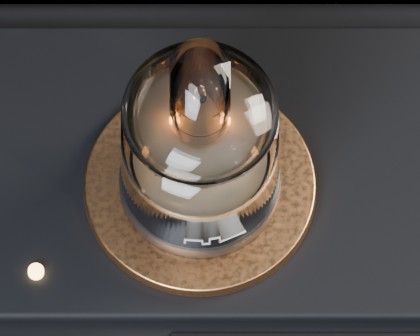
Choose a model and the valve in the socket changes. Drag the unit to see it from any side; the bars show the harmonic fingerprint of the character you picked.
The plugin
In the DAW
The plugin interface, shown at its default size. Hover help (the i key) explains every control where you are standing.
760 by 650 by default, aspect locked, 640 to 1140 wide
DRIVESpun copper, a knurled edge and a printed scale. The amber ring shows how far you have pushed.VALVE meterZero VU is where the curve starts to bend. The needle follows the level driven into the valve, not the output.
Four characters on the deck
TriodeA twin triode standing on a copper socket, wide enough to fill it. Even-harmonic warmth; the heater glow rises with drive.PentodeA power pentode with a big plate. Harder knee, odd harmonics; the plate reddens in the middle when driven hard.Vari-MuA matched pair sharing one socket. Gain gives way as the signal pushes, and the glow settles the same way.IronThe output transformer stage on its own; drawn on the deck as an open heating element: ceramic rod, nichrome coil, steel caps. Saturates the lows first; the coil glows as it works.