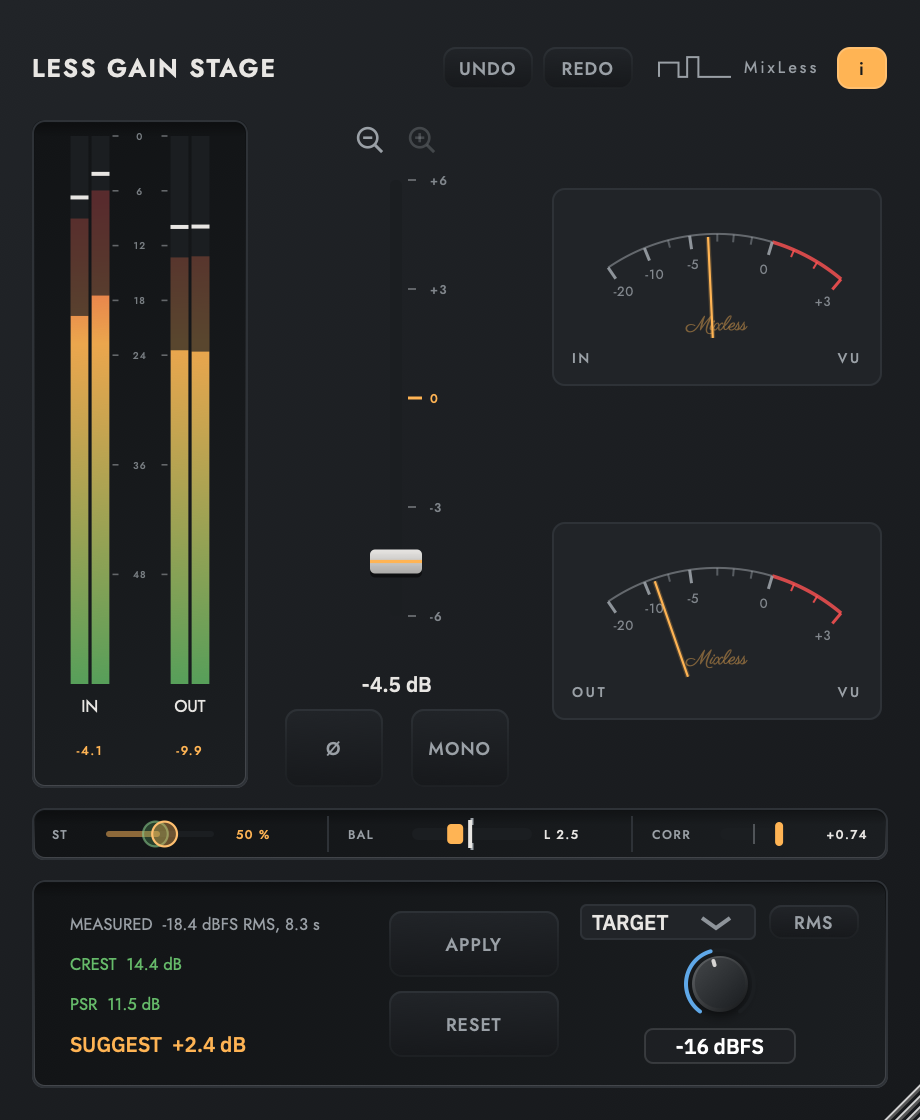
Full control from stereo to mono
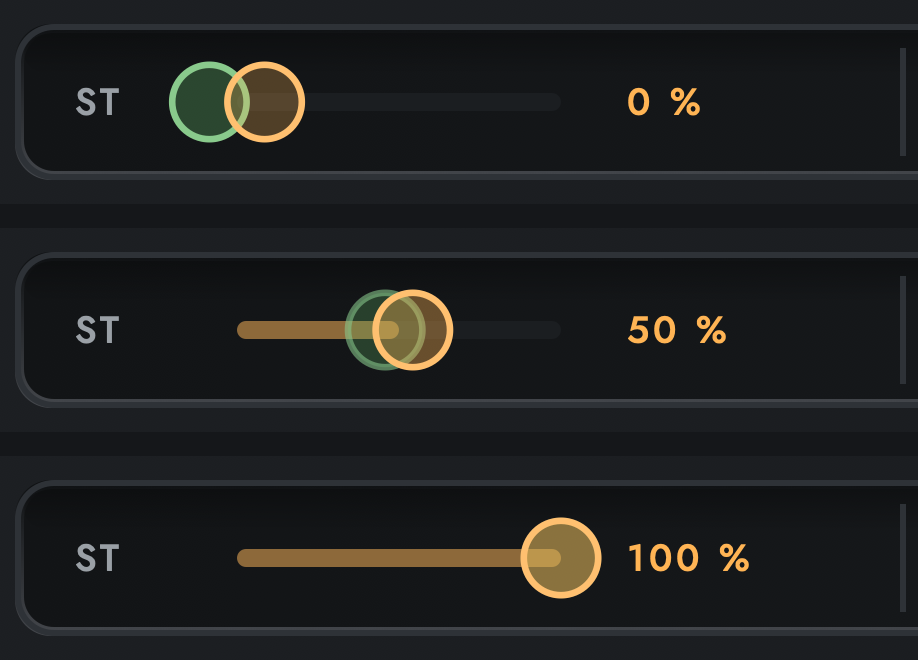
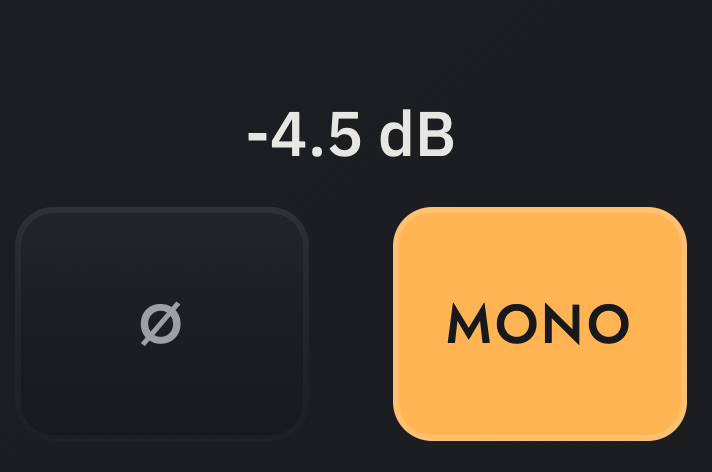
ST reaches every point between the untouched image at 0 and mono at 100 percent, where a mono switch offers only the two ends. MONO is the shortcut to 100, and it lights whenever the sound is mono, whether the button, the slider or automation put it there.
Balance on the scale it is measured
BAL trims left against right by up to 12 dB, half on each side. The handle sits on the same track as the measured balance, so centring a lopsided source means dragging until the bright line meets the notch.
Distance to target
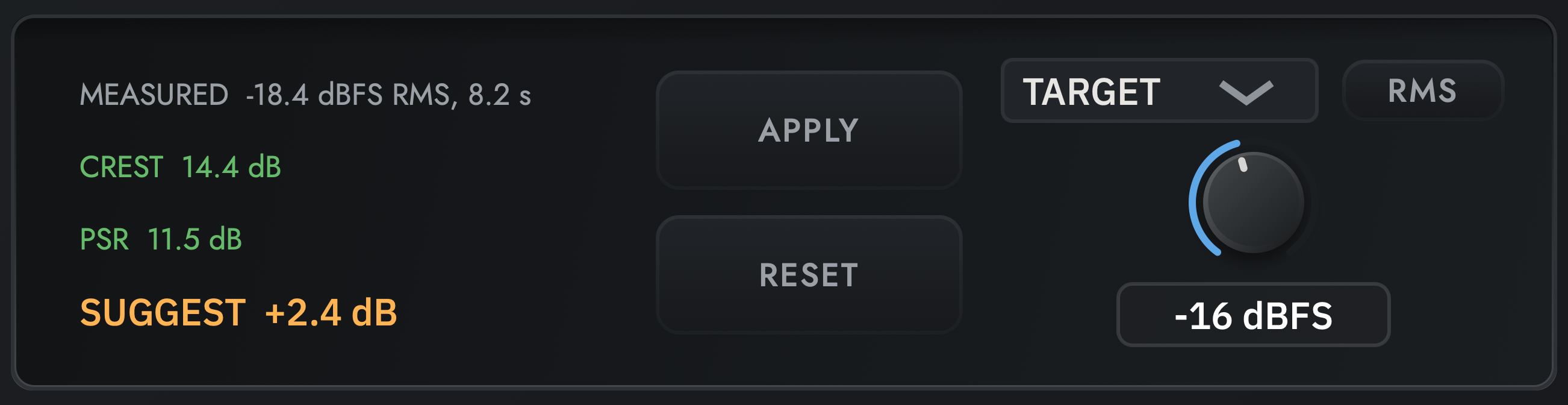
The meter answers the actual question: how far from where you want to be, in dB. The target is a number you type, or another Gain Stage in the session.
Left and right metering
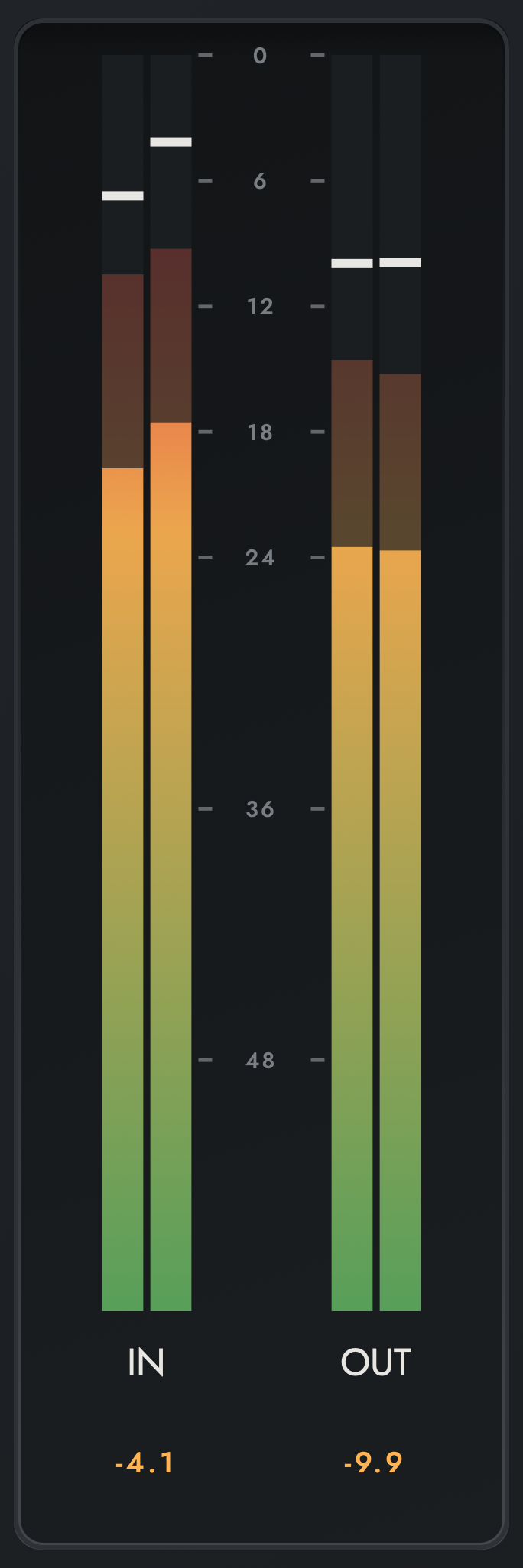
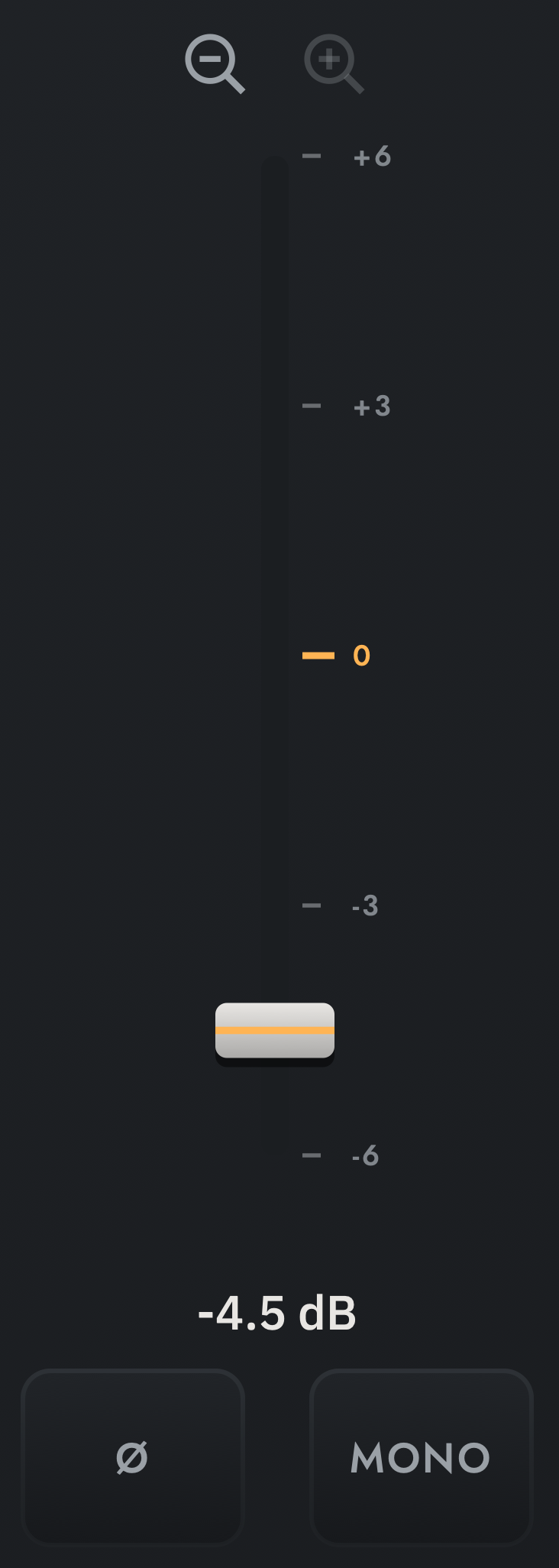
Input and output meters show each channel on one scale, with peak and RMS layers and a hold line per bar. The gain fader zooms to 6, 12 or 24 dB either side of zero for fine moves, and polarity is one button.
| Formats | AU, VST3 |
| Latency | 0 samples |
| Default state | numerically transparent, tested at 1e-7 |
| Default state | unity, checked by an equality test on every build |
Full control of the stereo image
One strip holds a control, a correction and a measurement: ST folds, BAL corrects, CORR measures. They sit side by side and stay separate: one shows what you set, the other what the source is.

Meters, fader and target
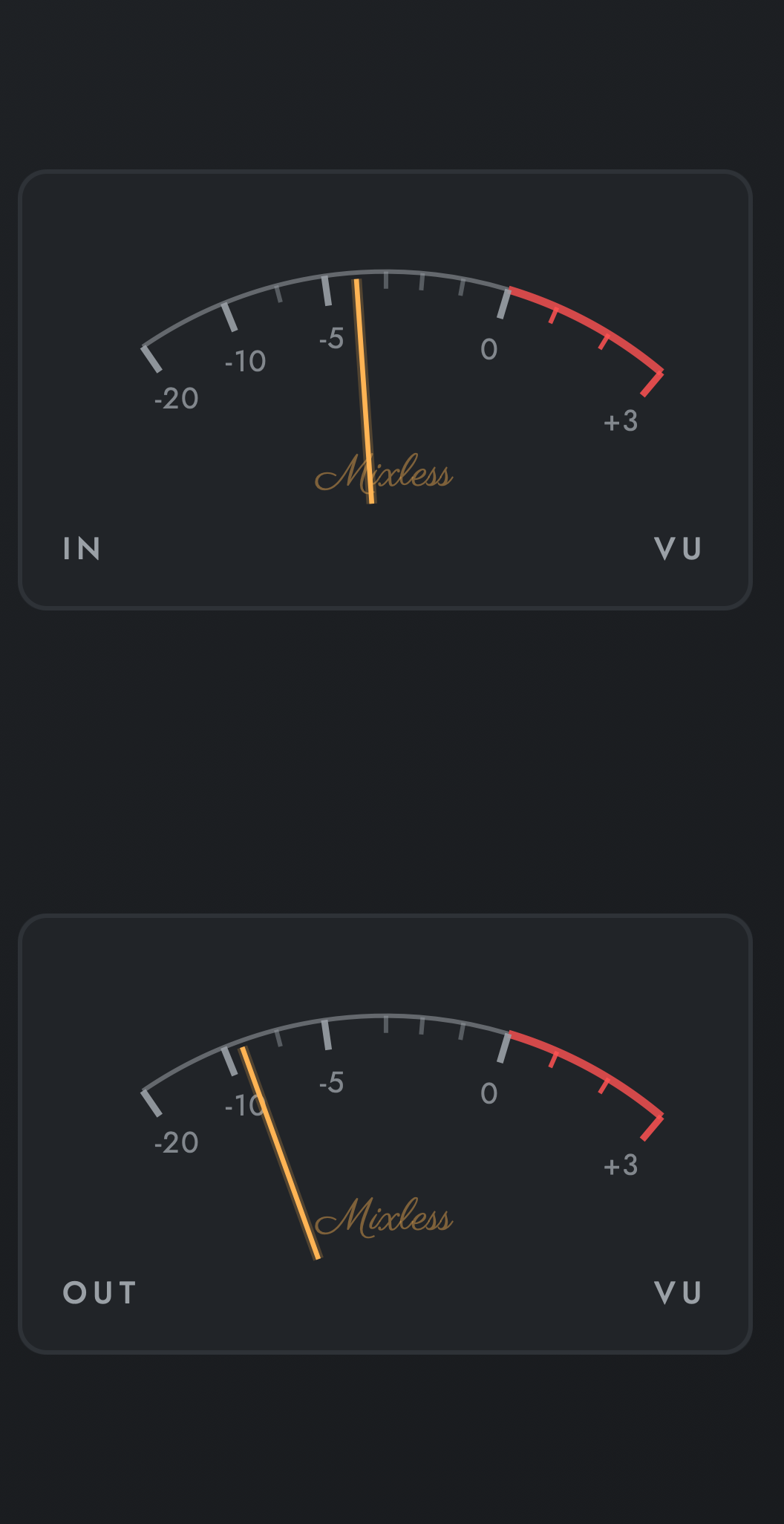
The strip is one part of the panel. The rest answers the same question from other sides: how loud it is now, how loud it feels, and how far that is from where you want to be.